
OJS Installation
OJS User Roles Explained: Journal Manager, Editor, Reviewer, Author
OJS user roles explained: Journal Manager, Editor, Section Editor, Reviewer, and Author permissions so you assign access correctly.

Practical knowledge for research journal publishers — covering OJS installation, theme customization, DOI setup, DOAJ indexing, peer review configuration, and more. Written by OJS specialists with 10+ years of hands-on experience.
OJS user roles explained: Journal Manager, Editor, Section Editor, Reviewer, and Author permissions so you assign access correctly.

Configure double-blind peer review OJS 3: reviewer anonymity, review forms, workflows, and checks that author names stay hidden.
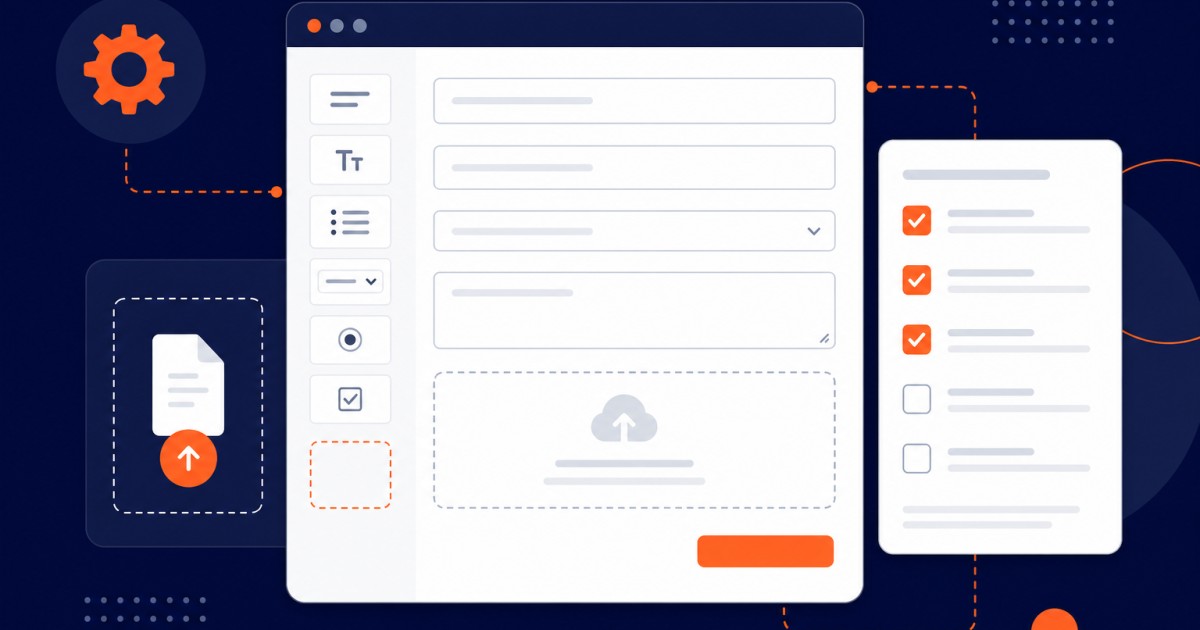
Customize submission forms in OJS for your journal: add fields, required metadata, file types, and section questions authors must complete.
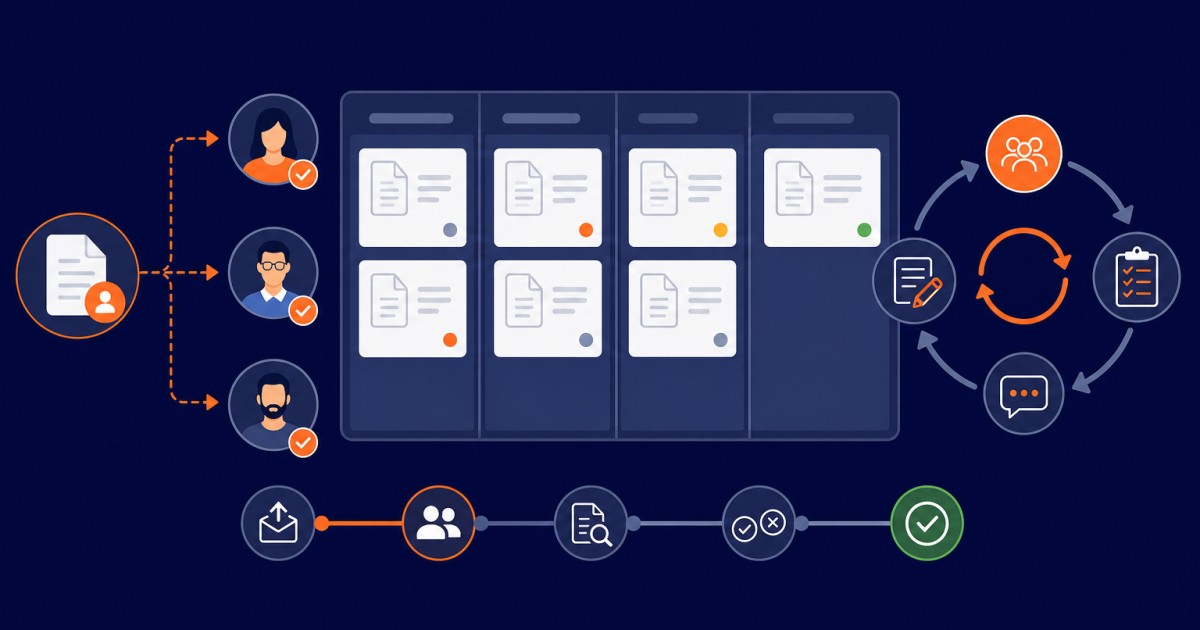
Assign reviewers in OJS: invite experts, set deadlines, send reminders, and manage review rounds from the first invite through revisions.

Publish issue OJS 3 from galley to live: create the issue, order the TOC, publish articles, and avoid the mistakes that delay release.
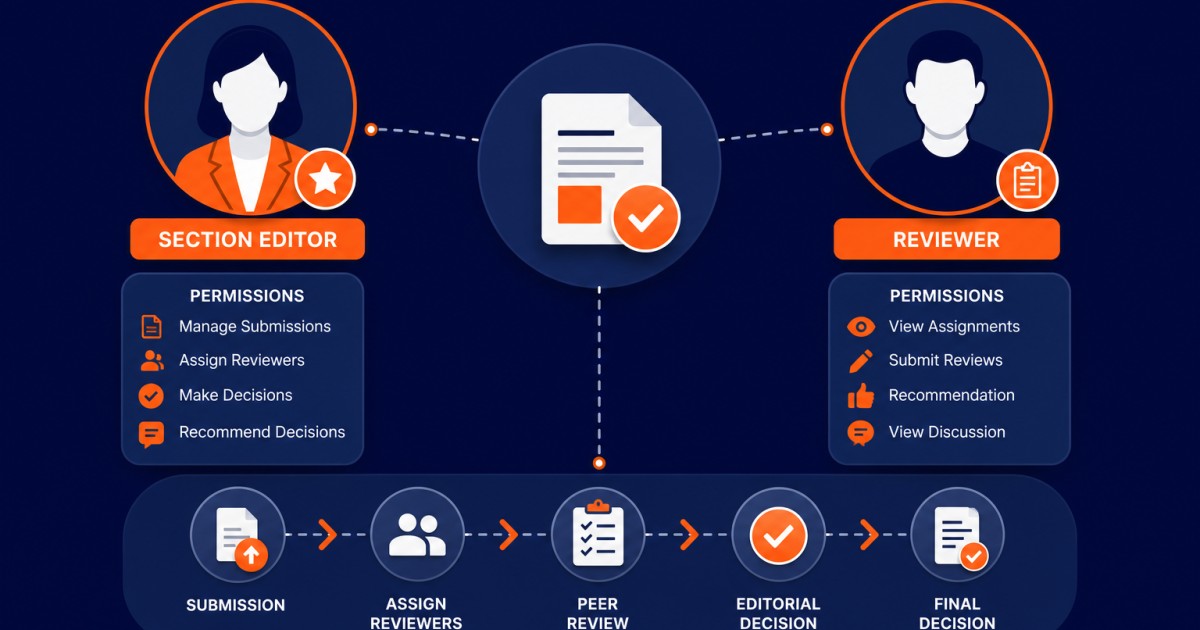
Add section editor and reviewer accounts in OJS: create users, assign roles, set section scopes, keywords, and fix access mistakes.

OJS hosting requirements for 3.4/3.5: PHP 8.2, 2 GB RAM, MySQL 8, SSL, and cron. Compare shared vs VPS vs dedicated before you install.

DOAJ indexing for OJS journals: ISSN, licensing, OAI-PMH, and the application mistakes that get most first submissions rejected.
Reading about OJS is one thing. Getting it configured correctly on your server — with your plugins, your workflow, and your indexing requirements — is another. That's exactly what we do. Tell us about your journal and we'll handle the technical side completely.
