
Migration
How to Migrate Your Journal to OJS: Complete Guide for WordPress, Drupal, Bepress
Migrate journal to OJS from WordPress, Drupal, or Bepress. Map data, import articles, keep URLs, and verify discovery after cutover.

Practical knowledge for research journal publishers — covering OJS installation, theme customization, DOI setup, DOAJ indexing, peer review configuration, and more. Written by OJS specialists with 10+ years of hands-on experience.
Migrate journal to OJS from WordPress, Drupal, or Bepress. Map data, import articles, keep URLs, and verify discovery after cutover.
OJS 500 internal server error? Fix PHP, plugins, permissions, memory, database, and config issues with this step-by-step guide.
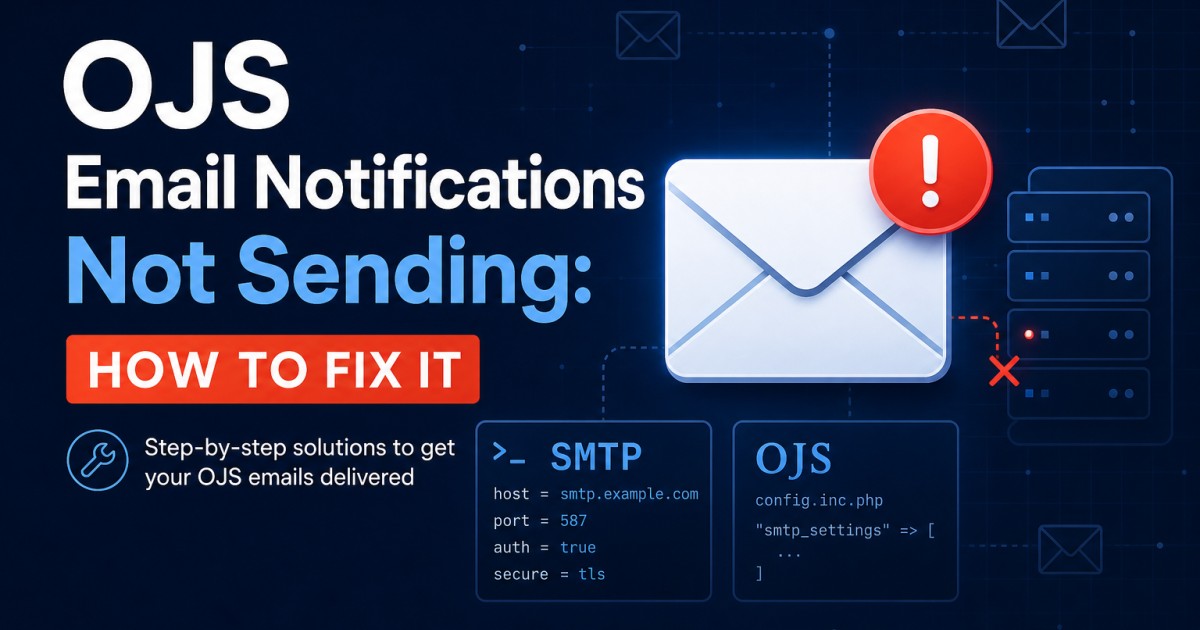
OJS email notifications not sending? Fix SMTP, PHP mail(), SPF/DKIM, ports, and templates with this cause-and-fix guide.
OJS white screen after update? Fix incomplete uploads, migrations, PHP, plugins, cache, and config with this recovery guide.

Stuck in an OJS login loop? Fix base_url, HTTPS, cookies, sessions, and proxy redirects with this cause-and-fix guide now.

OJS file upload not working? Fix upload_max_filesize, files_dir permissions, MIME types, and Nginx/Apache body limits in this guide.

Register a journal DOI prefix with Crossref: ISSN, membership, OJS plugin setup, deposits, and verification in one complete guide.

Set up the OJS Crossref plugin: DOI prefix, deposit credentials, Test Mode off, automatic deposit, and checks that DOIs resolve correctly.

DOAJ application checklist for OJS journals: ISSN, Creative Commons, OAI-PMH, metadata, DOIs, policies, and common rejection fixes.

DOAJ application rejected? Fix ISSN, licensing, OAI-PMH, metadata, and policy gaps so your OJS journal can reapply with confidence.

Set up OAI-PMH OJS for Google Scholar and databases: enable the gateway, fix identifiers, test the endpoint, and verify indexing.

Install OJS 3 cPanel hosting step by step: PHP, MySQL, files_dir, web installer, SSL, and the first settings you should change.

Install OJS VPS on Ubuntu: Apache, PHP extensions, MySQL, Let's Encrypt SSL, files_dir, web installer, SMTP, backups, and firewall.

OJS PHP requirements: match versions, enable mbstring/xml/curl/intl/zip, set 256M memory and 50M uploads, then verify before install.

Configure OJS email SMTP with Gmail, SendGrid, or Mailgun: ports, App Passwords, API keys, tests, templates, and common delivery fixes.
Reading about OJS is one thing. Getting it configured correctly on your server — with your plugins, your workflow, and your indexing requirements — is another. That's exactly what we do. Tell us about your journal and we'll handle the technical side completely.
