Fixing a Broken OJS Installation for a Law Journal

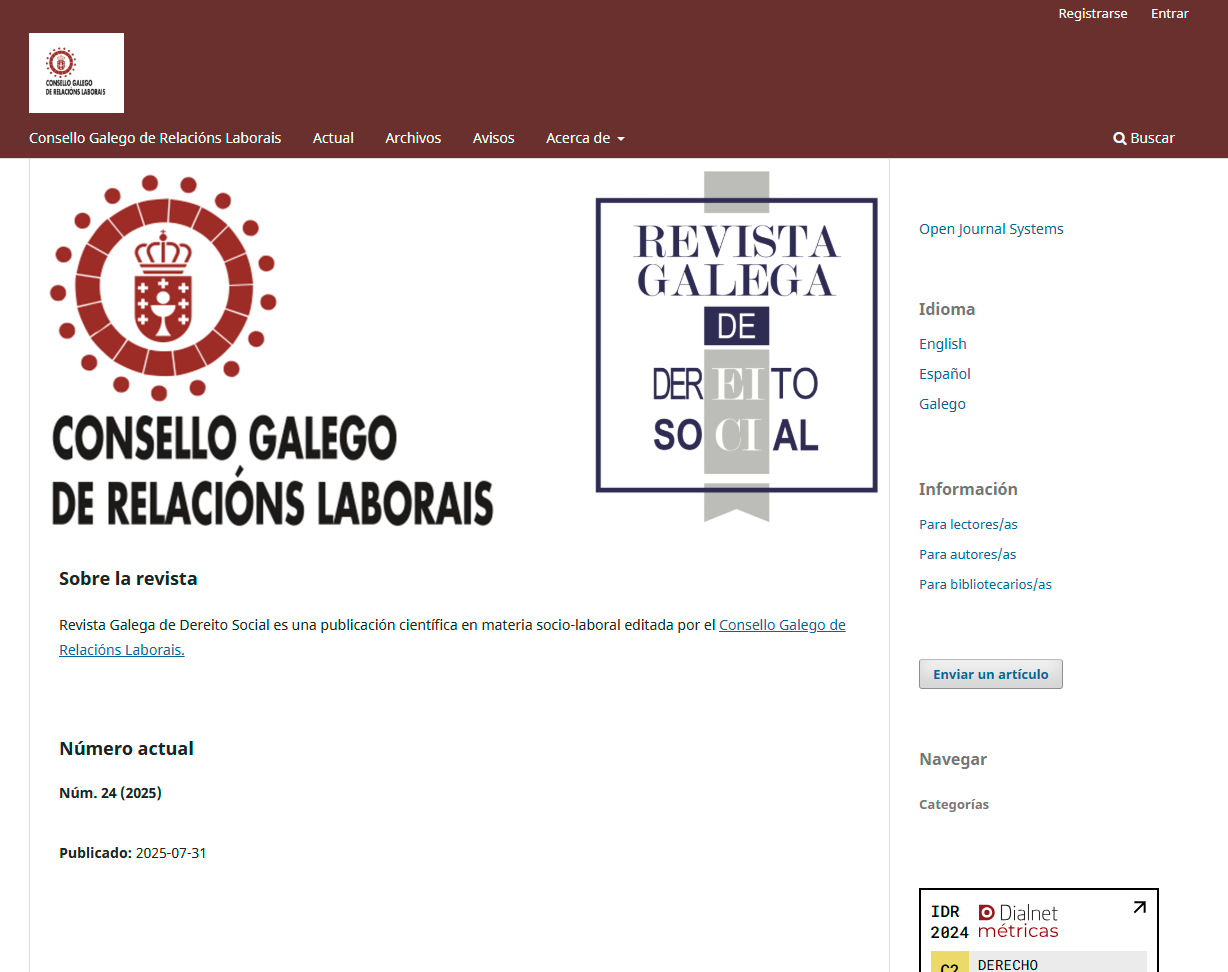
Revista Galega de Dereito Social (Galician Journal of Social Law)

Fixing a Broken OJS Installation for a Law Journal

The Problem

This journal came to us after a recent OJS update left the site in bad shape. Editors were getting error 500 pages and blank screens when they tried to do basic tasks like editing submissions, updating author names, or saving keywords. Some pages worked, others didn't, with no clear pattern.
What We Found

After reviewing the server, we traced the problem to the hosting environment, not the OJS installation itself. The host had OPcache enabled, which was causing PHP to serve outdated cached code and triggering random errors across the site. This is a common issue on shared hosting plans that were never configured with OJS in mind.

To confirm the diagnosis, we mirrored the entire site on our own testing server. It ran without a single error, which proved the OJS code and database were fine. The hosting environment was the actual problem.

What We Did

  1. Diagnosed and resolved the OPcache conflict causing random 400 and 404 errors
  2. Fixed a metadata bug that broke the page when editing author names
  3. Restored a broken keyword field for non English language content
  4. Repaired the DialNet citation widget, which had stopped displaying journal metrics
  5. Corrected the current issue display, which was showing an unpublished issue instead of the latest one
  6. Updated the header logo link to point to the journal's parent organization
  7. Confirmed submission and review workflows worked end to end before handoff

The Result

The journal was back to full working order within 48 hours, without any data loss or downtime for their editorial team. We also gave the client a clear hosting recommendation, a cPanel plan with Softaculous support for OJS, so future updates would not run into the same problem. The client was glad to see the site recover so quickly and reported a smooth experience working with us on the fix.

Why This Matters for Your Journal

A lot of OJS problems that look like software bugs are actually hosting problems. Before we touch a single setting inside OJS, we check whether the server itself is set up correctly. That is often the fastest way to find the real cause, and it saves you from paying for a fix that will not last.

If your journal is throwing errors, missing data, or acting unpredictable after an update, we can find out why.

Client feedback (Tuclab, Italy): All done! Thank you!
Fixing File Path and Locale Issues for an Italian Journal
OJS troubleshooting and configuration

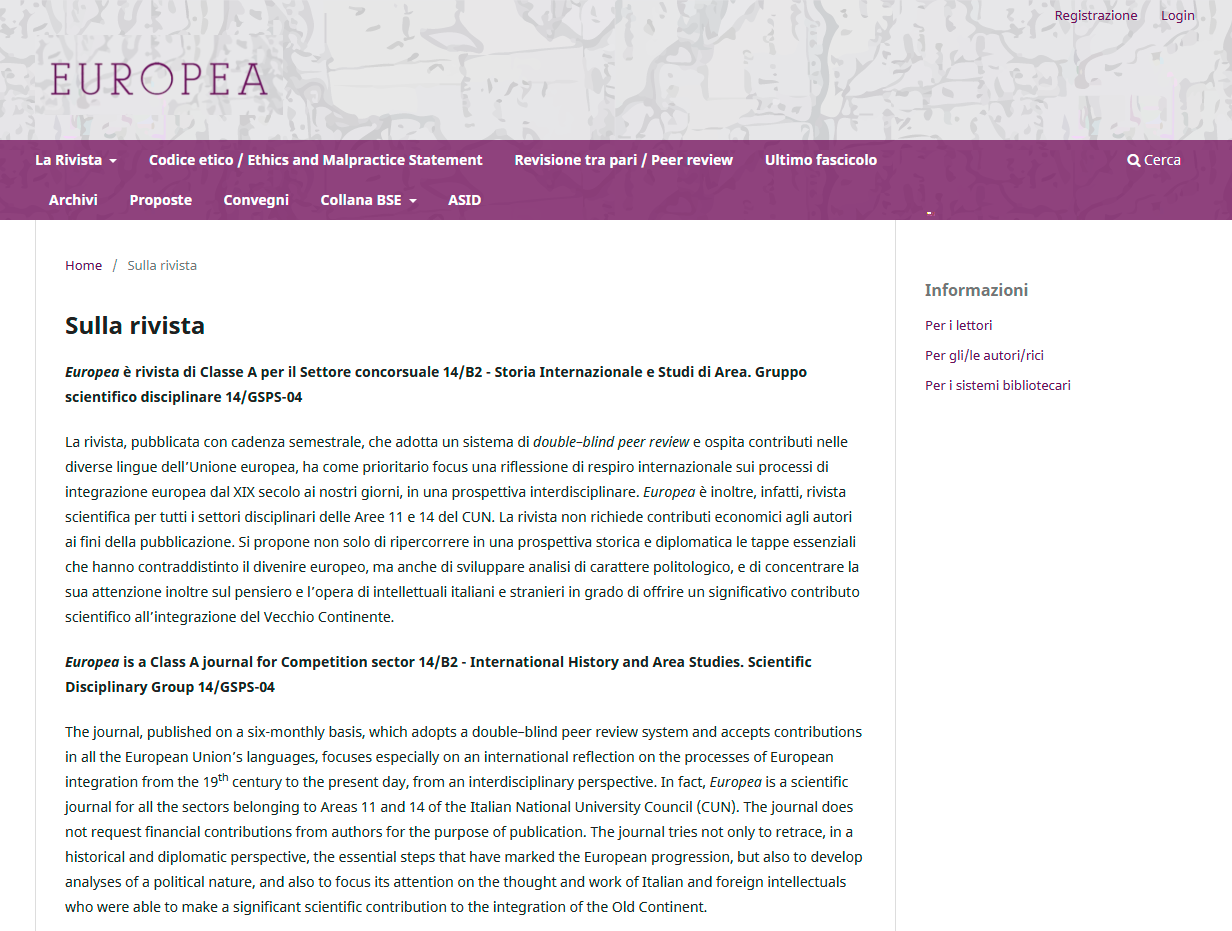
Rivista Europea - Italy

Fixing File Path and Locale Issues for an Italian Journal

The Problem

After finishing a fresh OJS installation, the journal's editor ran into a strange error in the site footer: "There are no readable files in this directory tree. Are safe mode or open_basedir active?" The journal could not figure out what was causing it or how to fix it.

A second issue came up soon after. The editor needed to rename a section title under the journal's settings, specifically the "About the Journal" page, but the admin panel only let them edit the body text, not the title itself.

What We Found

The first issue traced back to the files directory path in the OJS configuration file. On cPanel hosting, the uploaded files directory needs a full server path, not just a folder name. The journal had it set to a plain folder name that pointed outside the actual website root, which is why OJS could not read it.

The second issue was not a bug. Some page titles in OJS are not stored in the database at all. They come from the platform's language files, so changing them means editing the correct locale file directly, not the content editor.

What We Did

  1. Corrected the files directory path in the OJS configuration to the full server path required by cPanel hosting
  2. Confirmed file and folder permissions were already set correctly
  3. Located the exact language file responsible for the section title in question
  4. Guided the editor through opening the correct locale file and updating the title text
  5. Verified the updated title displayed correctly across the live site

The Result

Both issues were resolved the same day, with the editor doing part of the fix themselves once they had clear, exact instructions. The footer error disappeared, and the journal's "About the Journal" page now shows the correct title in Italian.

Client feedback (luisvelascomart, Spain): I had the pleasure of working with OJSGuru on a complex update of an Open Journal System (OJS), and I couldn’t be more satisfied. They are highly knowledgeable, efficient, and detail-oriented, exactly the kind of collaborator you want by your side for technical projects. Communication was always clear, professional, and proactive. Every challenge was met with a solution, and deadlines were consistently respected. What stood out most was their commitment to quality and their ability to anticipate needs beyond the initial scope. I genuinely look forward to working together again very soon and on a regular basis. It’s not easy to find someone this reliable, and I truly appreciate the trust and professionalism they bring to every step of the process. Highly recommended!

Ongoing OJS Support for a Nonprofit Academic Journal
OJS troubleshooting, DOI repair, ongoing support

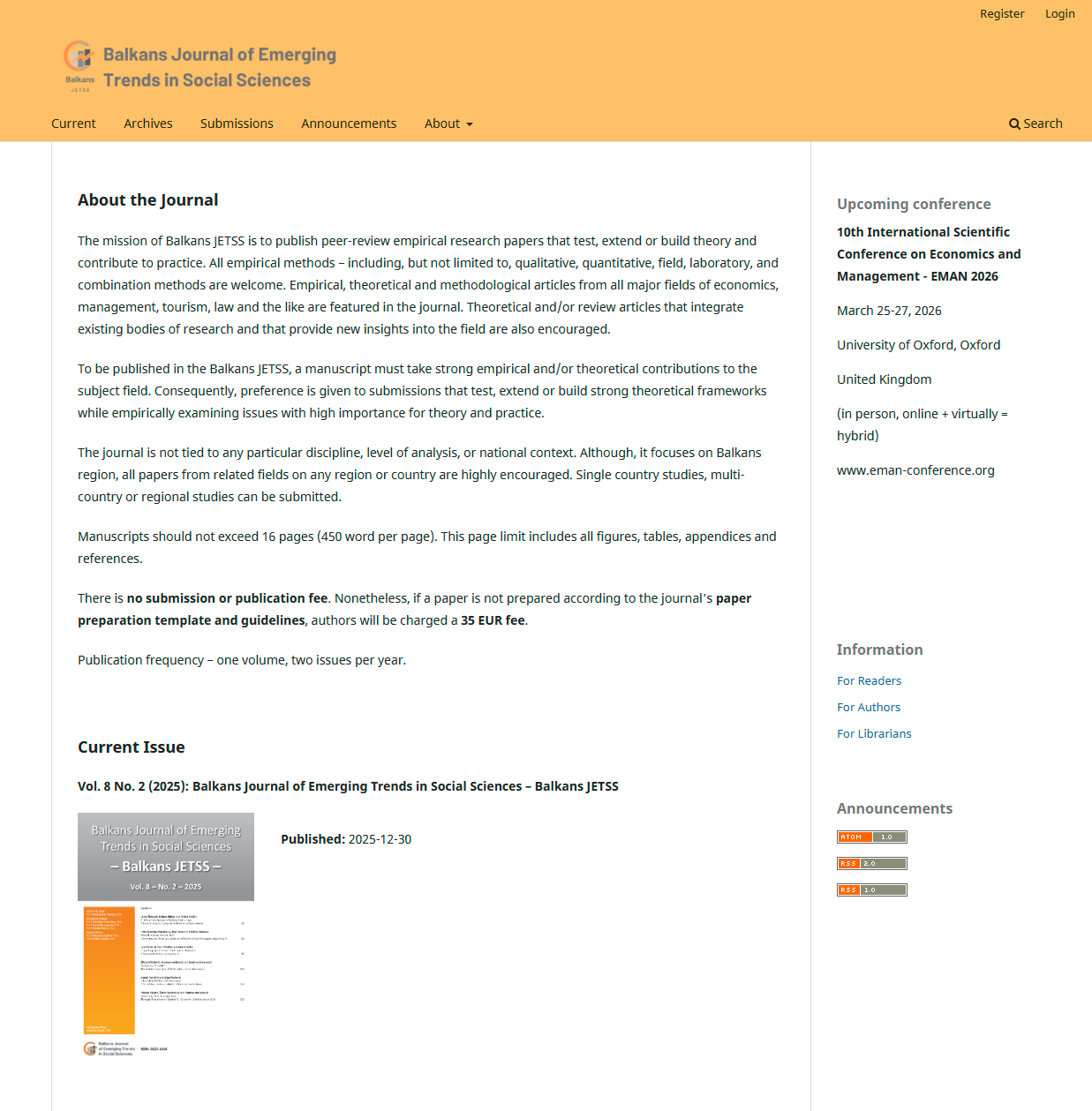
Balkans JETSS - Serbia

Ongoing OJS Support for a Nonprofit Academic Journal

The Problem

This journal is run entirely by volunteers, so when their OJS platform stopped letting editors save any changes at all, from editing an abstract to adding a photo, it put their entire workflow on hold. Every attempt returned the same error: the requested URL was not recognized.

What We Found

The issue traced back to a URL mismatch inside the OJS configuration, not a plugin or a permissions problem. Because the team could not share full server access due to other websites sharing the same hosting account, we worked with limited FTP access and OJS credentials to trace and correct the setting.

What We Did

  1. Corrected the URL configuration causing every save action to fail
  2. Updated the journal's base URL so future DOI links would generate correctly by default
  3. Repaired DOI URLs for an entire back volume that were pointing to the journal's old website instead of the current one
  4. Diagnosed and resolved a CrossRef XML Export Plugin failure that was blocking new DOI deposits
  5. Fixed a batch versioning conflict that caused CrossRef to reject resubmitted DOI records

The Result

The journal's editorial workflow was fully restored, and every DOI across their published volumes now resolves to the correct, current article page instead of a defunct site. Since the initial fix, we have continued supporting the journal through multiple rounds of DOI corrections as new issues are added.

This is one of several journals we support on an ongoing basis rather than a single one time fix, which is common for smaller, volunteer run publications that need a reliable technical partner they can return to as issues come up.

Why This Matters for Your Journal

DOI problems are especially costly because a broken DOI does not just fail quietly. It sends readers and indexing services to the wrong page, or to no page at all, which can affect how your journal is trusted and indexed over time. A small configuration mistake made once can echo across every article published afterward until it is caught.

If your journal's DOIs are not resolving correctly, or your OJS platform has started rejecting basic edits, we can trace the real cause and fix it.

Client feedback ( nikolina1201, Serbia): I'm more than satisfied with the service. His code expertise was above my expectations. He solved the issue that seemed unsolvable for more than a year. Communication and service were impeccable. I'm happy to have OJSguru by my side.

What Editors Say After Working With OJS Guru

“OJS Guru handled our full installation and DOAJ-ready configuration, and we were publishing accepted manuscripts within six weeks.”

Dr. Priya MenonEditor-in-Chief, South Asian Medical Research Journal, India

“They migrated our OJS 2 journal to OJS 3 without losing a single submission. Our editorial team was trained and confident within days.”

James OkaforPublishing Director, African Studies Review Press, Nigeria

“OJS Guru configured our metadata, DOI workflow, and indexing plugins correctly the first time, and we passed DOAJ review on the first application.”

Elena VasquezJournal Manager, Ibero-American Health Sciences, Spain

Your Journal Could Be Our Next Success Story

Whether you're launching from scratch, fixing a broken installation, or trying to get indexed — we've solved your exact problem before. Tell us about your journal and we'll tell you exactly how we can help.